Lightning Launcher v14a2 (r2608) APK


This is a super-charged, "All In One" version of Lightning Launcher. LL is a fast, light and extremely customizable home screen replacement for Android!



Lightning Launcher eXtremeplay.google.com.lightning_launcher_extreme
Lightning Launcher eXtreme is the launcher of choice for people who wants a butter smooth, light on memory and tailor-made home screen replacement.
This is the ultimate bundle, no compromise, still as fast and light as LL, but simply the most powerful and configurable launcher for Android.

LLX is a vitamined version of LL, with the following additions:
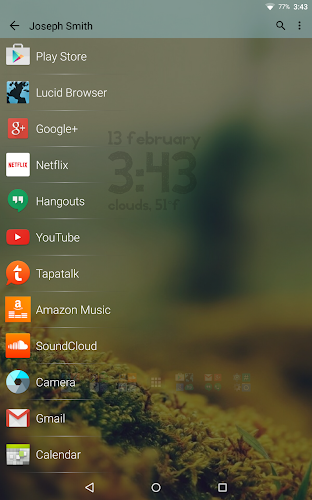
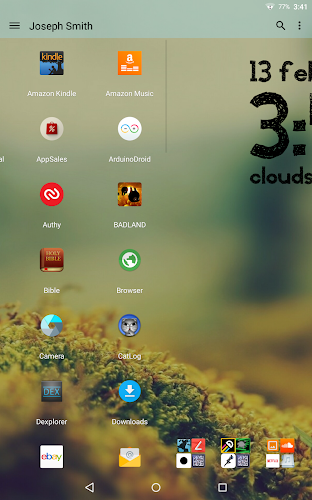
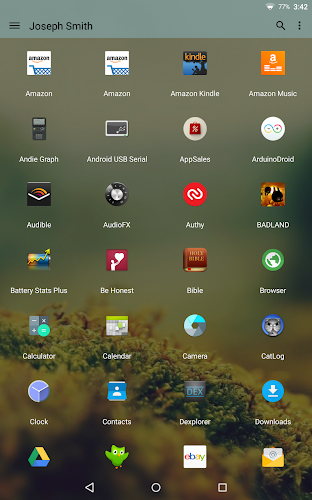
  • Enhanced app drawer, with the ability to create folders, hide apps, change the style in all ways, view running apps, most frequently used, recently installed, direct shortcuts to kill or uninstall apps... and more !
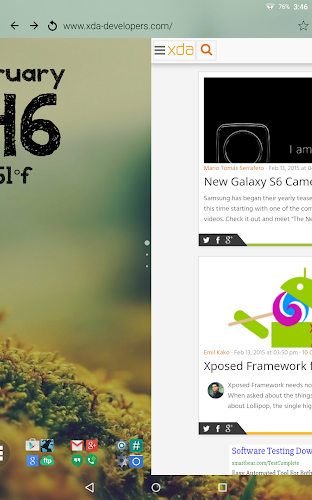
  • Support for configuring up to 100 distincts desktops, with customizable label and icon, for the purpose of managing multiple independant setups (personal, professional, for kids, etc.)
  • Built-in configurable messaging notifications (highly customizable badge for sms, missed calls, unread gmails)
  • App killer available from everywhere: long tap on an icon, select kill, et voilĂ .
  • Built-in per desktop wallpaper, available in the app drawer too.
Things to be aware of (please read this notice):
  • With its wide set of options and switches, Lightning is one of the most customizable launcher, albeit perhaps not the easiest to configure yet ! Agreed, as most powerful tools, Lightning has a learning curve. But isn't that a small price to pay to get the most exciting and unique home screen ;-) Join the community to get tips and tricks !
  • LLX is a superset of LL and fully replace it: on first use it will import all data from LL, and LL can safely be uninstalled. Avoid using both at the same time, this is confusing as apps will look exactly the same !
  • LLX no longer supports obsolete LL widgets. The reason is that these features are now built in: plugins are not needed anymore. They still work but I won't answer requests about them.
  • The obsolete Screen Switcher Widget (SSW) will continue to work when imported from an existing LL setup, however it's use is strongly discouraged because all Screen Switcher features are now included in LLX. The old Screen Switcher widget configuration screen is not supported anymore and will not work in conjunction with LLX own configuration screen.
What's in this version : (Updated : 10 July 2016)
    Fix for some properties not being saved on some items (for instance pin mode on widget)
    Full ChangeLog: http://www.lightninglauncher.com/wordpress/change-log/
Required Android O/S : 2.0+

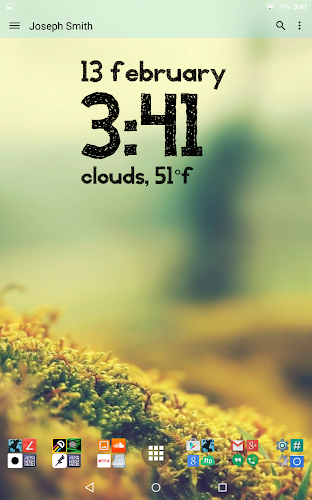
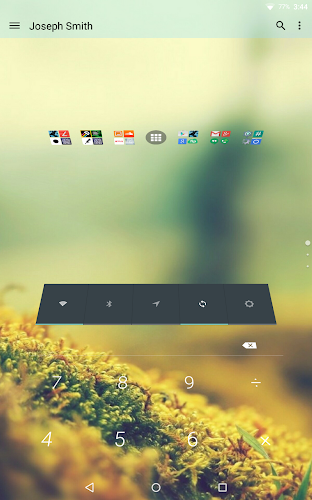
Screenshots :
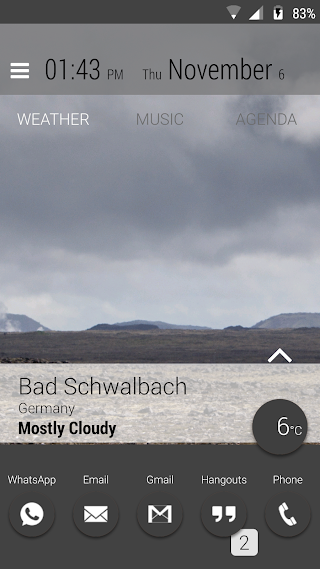
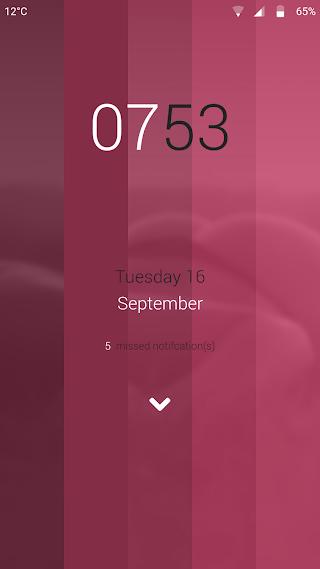
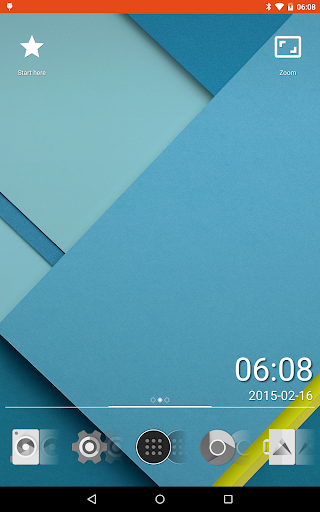
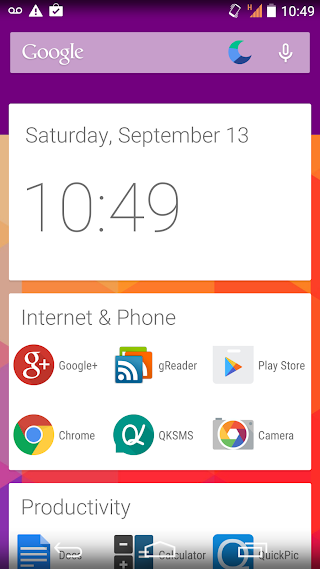
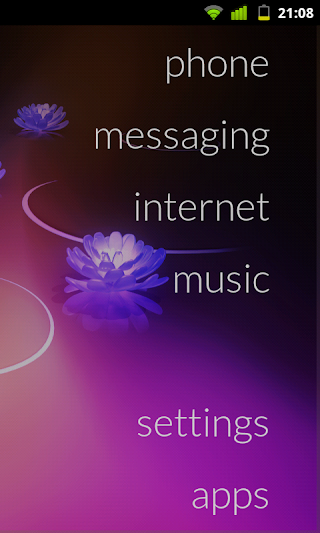
Lightning Launcher - screenshotLightning Launcher - screenshot
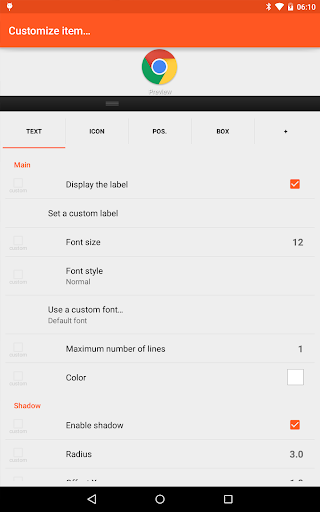
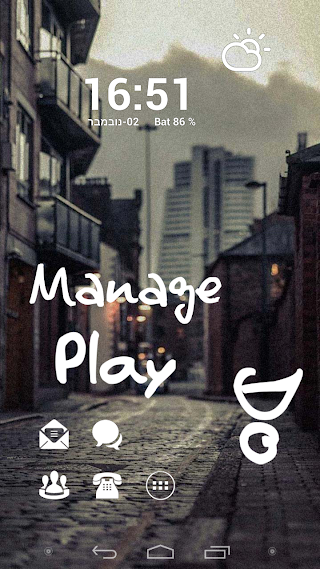
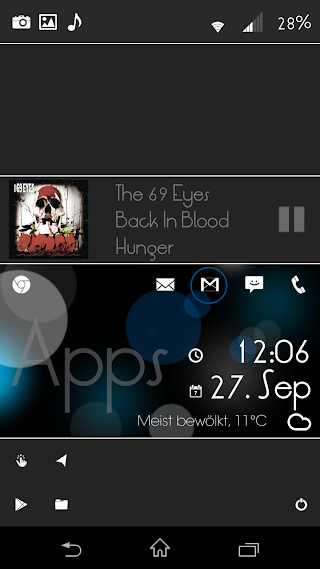
Lightning Launcher - screenshotLightning Launcher - screenshotLightning Launcher - screenshotLightning Launcher - screenshot

Download : 1M APK

Cold Launcher v2.6 APK


Cold Launcher - making Android simple!


Cold Launcher [ROOT]net.ohrz.coldlauncher
Cold Launcher is a simple yet revolutionary launcher which can freeze/defrost apps right on the desktop, it's also the first Android launcher to have this functionality. After freezing(disabling) apps, they are just like uninstalled but actually not, you can defrost them with a single touch! No more annoying background services or auto start! It can help save battery life by freezing apps you don't use so often, perfect for people who like to install lots of apps but don't want to slow down their Android devices because of background services or auto-starts.

✔ based on Trebuchet (CM12) Launcher
✔ a simple launcher, no complex preferences
✔ all apps on the desktop (like iOS), no app drawer or shortcuts
✔ freeze apps you don't use so often, defrost them with a single touch. No more background services or auto-starts

Paid version features:
✔ app drawer
✔ freeze all apps in a folder
✔ launch app after defrost
✔ freeze system app
✔ icon size option

Tip:
In version 1.5 and later, long click an app icon to freeze/defrost app

NOTICE:
Your phone needs ROOT in order to freeze/defrost apps

What's in this version : (Updated : 5 September 2016)
    Check out "Settings" - "About" - "Changelog"
Required Android O/S : 4.2+

Screenshots :
Cold Launcher [ROOT] - screenshot
Cold Launcher [ROOT] - screenshotCold Launcher [ROOT] - screenshotCold Launcher [ROOT] - screenshot
Cold Launcher [ROOT] - screenshotCold Launcher [ROOT] - screenshot

Download : 3M APK

Smart Launcher Pro 3 v3.21.06 APK


Simple, Light, Fast!


Smart Launcher Pro play.google.comAPK.flowerpro
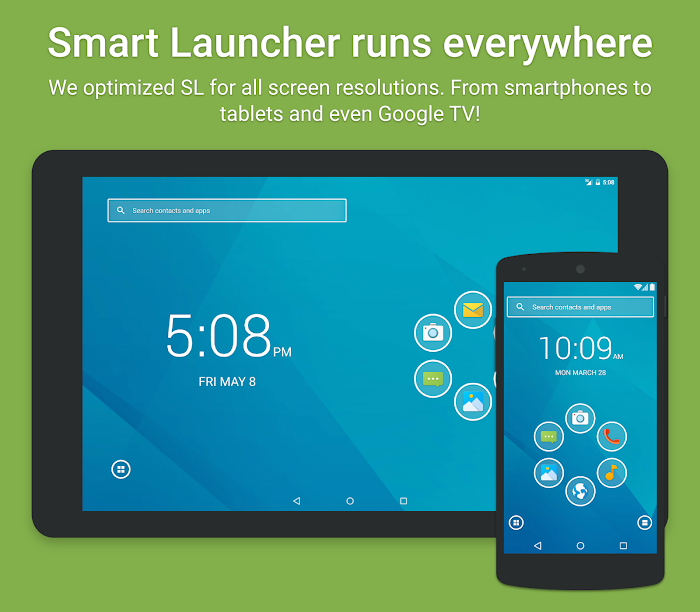
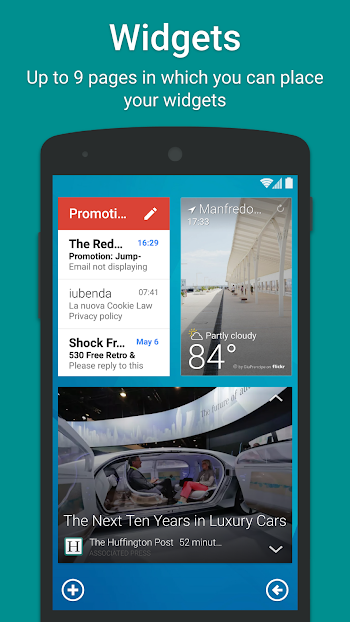
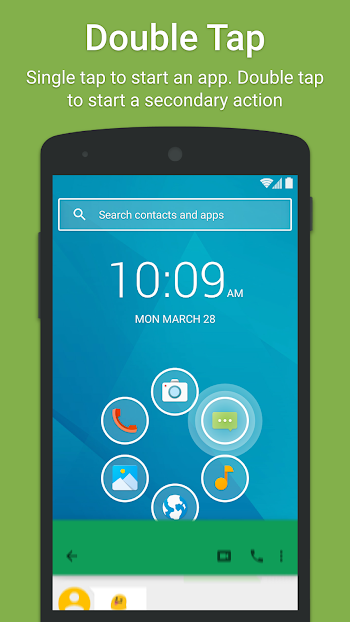
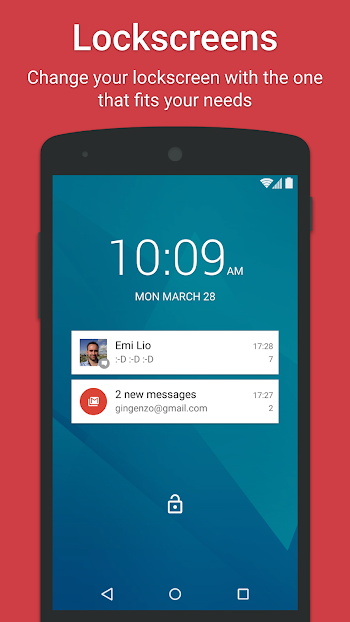
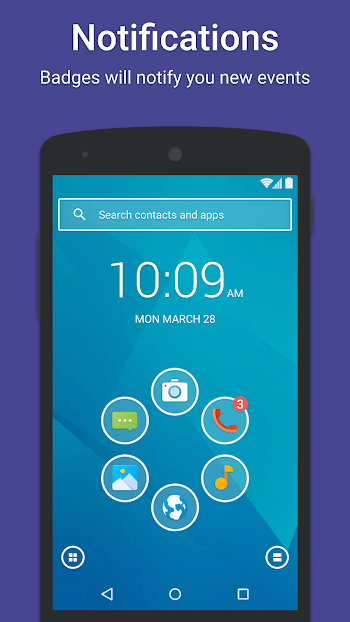
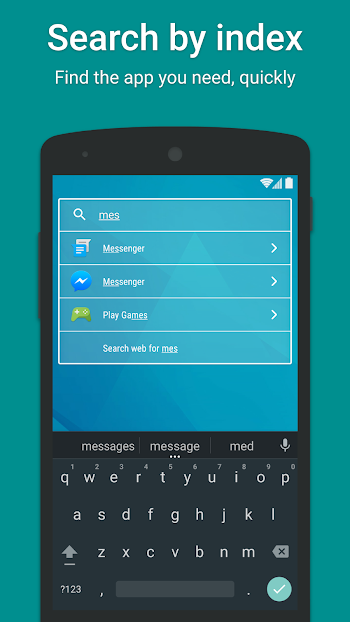
Smart Launcher is an innovative launcher characterized by a minimalist design, low memory usage and an user-friendly UI that let you start any application with a few taps.
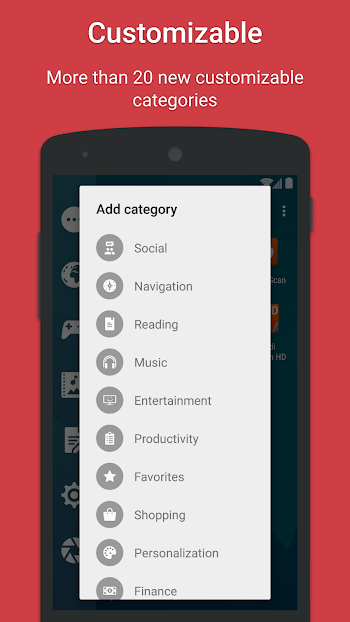
It is currently the only launcher on the store to features automatic cataloging of installed apps!

Features:
  • Main screen with Quick Start
  • Drawer organized by categories
  • Ready to use without special configurations.
  • Support for Live Wallpaper and screens of different sizes.
  • Support of set of icons for Launcher Pro and ADW Launcher
What's in this version : (Updated : 8 August 2016)
    Full changelog here: https://goo.gl/lekM8i
    3.20
    NEW: Add option to change clock position and alignment
    (Long press on Clock → Move)
    NEW: Added DuckDuckGo and Bing as search providers [Pro only]
    (Preferences → Search bar → Search Provider)
    NEW: Added random wallpapers in the picker
    - Important performance improvements
    - changed folder expansion method
    - improved support for SL icon generators
    - added DuckDuckGo and Bing as search providers [Pro only]
    - minor UI restyling
Required Android O/S : 2.1+

Screenshots :
Smart Launcher Pro 3 - screenshot
Smart Launcher Pro 3 - screenshotSmart Launcher Pro 3 - screenshotSmart Launcher Pro 3 - screenshotSmart Launcher Pro 3 - screenshotSmart Launcher Pro 3 - screenshotSmart Launcher Pro 3 - screenshotSmart Launcher Pro 3 - screenshotSmart Launcher Pro 3 - screenshot
Download : 3M APK

SquareHome 2 Premium - Win 10 style v1.1.12 APK


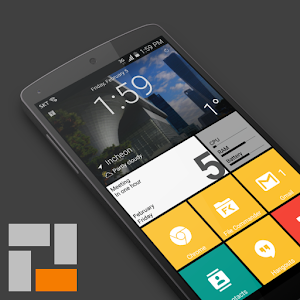
2 is the best launcher with metro UI of Windows 10!


SquareHome 2 (launcher)com.ss.squarehome2
2 is the best launcher with metro UI of Windows 10.
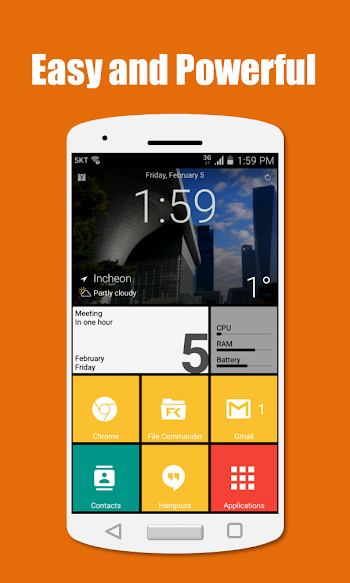
It's easy to use, simple, beautiful and powerful.

Features:
  • Vertical scrolling in page and horizontal scrolling from page to page.
  • Perfect metro style UI and tablet support.
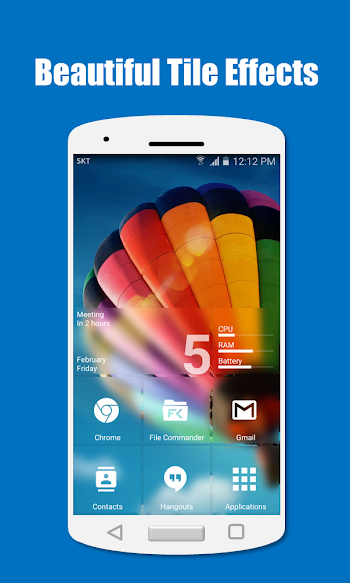
  • Beautiful tile effects.
  • Showing notifications and count on tile.
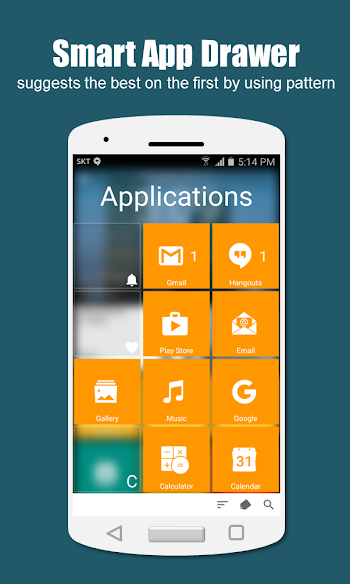
  • Smart app drawer : sorts the best on the first by using patterns of app.
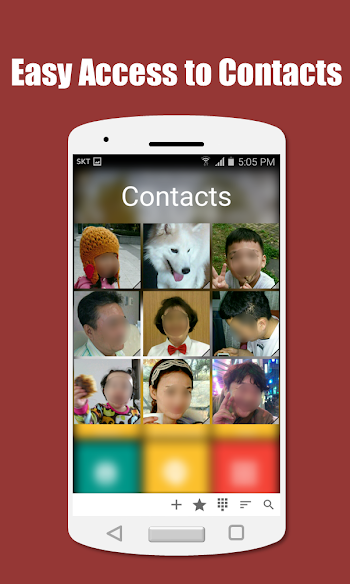
  • Quick access to your contacts.
  • Plenty options for customization.
Keywords: Launcher, metro UI, Windows 10

What's in this version : (Updated : 1 September 2016)
    [v1.1.12]
    - quick bug fix
    [v1.1.11]
    - added "long-click action" option for tile
    - added "icon" option for tile group
    - tapping empty erea on live wallpaper works properly now
    - fixed some bugs and optimized
    [v1.1.10]
    - new launcher actions: app search, contact search, search
    - added "scale" option for Android widget tile
    - fixed some bugs and optimized
    [v1.1.9]
    - added "family name first" option for contacts
    - swipe down on empty area in search panel for multi-letters search
    ...
Required Android O/S : 4.0.3 and up

Screenshots :


Download : 1.6M APK

SO Launcher Prime (Galaxy S7 launcher) v1.94 APK


SO Launcher, is the most polished, highly customizable galaxy s6 style launcher. Smooth, Rich features!


SO Launcher (Galaxy Launcher)com.so.launcher
SO Launcher, is the most polished, highly customizable galaxy s6 style launcher. Smooth, Rich features, NO AD

Features:
  • Support icon theme, compatible with 5000+ icon packs and themes
  • Galaxy s6 TouchWiz Launcher scrolling effect
  • Support drawer app sorting, drawer folder, app hiding
  • Handy Sidebar: include Cleaner, Toggle, Torch etc; and you can drag-out Sidebar from anywhere
  • Many gestures and Dock icon gestures
  • Unread Counts/Notifier for SMS, MAIL, Missed CALL and Whatsapp etc
  • Translucent status bar and navigation bar for Android4.4, Android 5.0 devices, and Galaxy S6, Galaxy Note devices.
  • Backup and restore launcher setting and layout; Import layout from other launcher
  • Highly customizable, include 200+ options:
  • Change launcher desktop and drawer grid size, edit icon, lock desktop, etc
  • 4 UI Size Mode, easy to change the icon size
  • 4 Drawer style: Horizontal, Vertical, Vertical with category, List style
  • Many Desktop and Drawer transition effect; Many Live wallpapers
Samsung, Galaxy S and TouchWiz are registered trademarks of Samsung Electronics Co., Ltd.
Android is a trademark of Google Inc.

What's in this version : (Updated : 1 July 2016)
    v1.94 update(2016-7-1):
    1. Add recent apps in drawer
    2. Free prime features
    3. Drawer a-z sidebar adapt to multi launguages
    4. Fix can not display online themes' preview
    ❤ If you like SO Launcher, please rate us and help to recommend to your friends, thanks.
Required Android O/S : 4.0+

Screenshots :
   SO Launcher (galaxy launcher)- screenshot     SO Launcher (galaxy launcher)- screenshot     SO Launcher (galaxy launcher)- screenshot     SO Launcher (galaxy launcher)- screenshot

Download : 3.5M APK

Lucid Launcher Pro vV5.981 APK


Lucid launcher is a different type of launcher from all the rest!


Lucid Launcher Proplay.google.com.launcherpro
We don't do things normally, we dare to recreate and innovate new ways to improve the user experience. Lucid launcher's revolves around 3 categories (stability, features, and usability) that we are constantly striving to improve on. Don't be fooled by the size, Lucid Launcher packs a punch while preserving lightning speed performance. Full of features this launcher allows you to do what you really want to make it your own while maintaining a great look and speed flow throughout the launcher

Pro Version:
  • Updates 1 Day Earlier Than Free Version
  • Custom Search Text (Look at screenshots)
  • Sidebar transparency options
  • Ability to hide app label in favorites bar
  • More Page Transition Animations
  • Vertical Page Transitions (5th Screenshot)
  • More Home Pages
  • Sidebar Themes (More coming soon)
  • Editable Icon Size In Sidebar, Home Page, and App Drawer
  • Prioritized Feature Request Implementations VIA Google+
What's in this version : (Updated : 28 June 2016)
    50% off sale for Lucid Launcher Pro!!!
    ★Lollypop cookies fixed
    ★Tutorial screen updated to materialistic design
    ★Restore function improved
    ★General changes and bug fixes
    Required Android O/S : 3.0+

    Screenshots :
    Lucid Launcher Pro - screenshotLucid Launcher Pro - screenshot
    Lucid Launcher Pro - screenshotLucid Launcher Pro - screenshotLucid Launcher Pro - screenshotLucid Launcher Pro - screenshot

    Download : 2.5M APK